A working system, not another subscription.
Choose the scope, hardware, implementation, training, and service level. See operations, risk, labor, cost, sales, and readiness without chasing separate files.
See delivery packages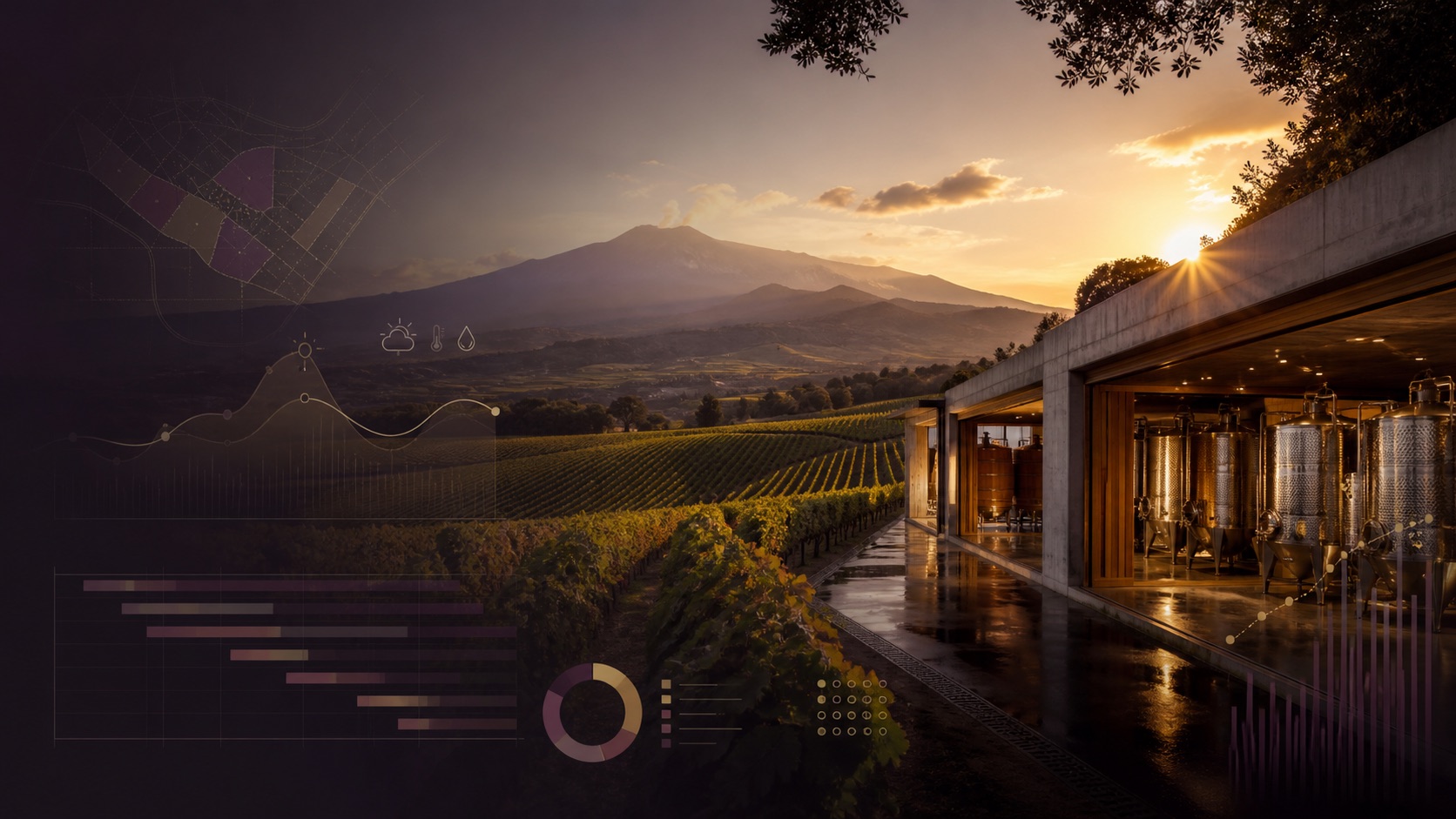
Every season. One living system.
Vino Viola is the operating system for modern wine operations—connecting vineyard work, harvest, cellar, laboratory, people, inventory, communications, and decisions in one configurable platform.
Built around real wine work
Most vineyard teams do not need another isolated app. They need the day's work, the season's evidence, and the business's decisions to stay connected.
Vino Viola is configurable for an independent estate, a multi-site operator, or a growing wine group—without hard-coded properties, varieties, equipment, or job titles.
Choose the scope, hardware, implementation, training, and service level. See operations, risk, labor, cost, sales, and readiness without chasing separate files.
See delivery packagesOpen an assignment, report through the phone app or WhatsApp, add time, photos or voice, and finish. The workflow stays simple while managers receive structured data.
See field workflowsStandardize inexpensive Android devices, enroll purpose-bound screens, validate integrations, monitor health, manage updates and backups, and use documented diagnostics.
See managed serviceBuilt across two wine worlds
Live operating experience in Italy and the United States informs a platform that adapts to regional language, units, privacy roles, product catalogues, records, and service expectations.
Support defined controller/processor responsibilities, access, retention, correction, export, deletion, security, and human review workflows.
Configure terminology, customary or metric units, dates, currency, labor categories, operating structures, and verified local catalogues.
Retain configured inputs, applications, lots, sources, approvals, mass-balance context, and records that can support an operator's certification process.
Keep sources, review states, corrections, user actions, vineyard and cellar work, labor, inventory, hospitality sales, and exports connected.
OCM Vino / CAP investment support
In Europe, wine-sector investment support is delivered through current CAP Strategic Plans and regional or national calls—often still called OCM Vino in Italy. We can work alongside your consultant or adviser to document the Vino Viola project from application through installation and reporting.
Start a funding-ready assessmentMap operational objectives, sites, modules, devices, integrations, implementation milestones, training, and expected improvements.
Separate software, compatible hardware, installation, configuration, integration, training, and service so the applicant can map costs to the active call.
Retain orders, serials, installation records, acceptance checks, user training, invoices, payments, and go-live evidence.
Answer technical questions, revise the project schedule, and supply the product and implementation details requested by the operator's funding adviser or authority.
Funding measures can include tangible and intangible investments, winery infrastructure, marketing tools, innovation, and digitalisation. Eligible applicants, costs, dates, rates, quotation rules, and purchase timing vary by member state, region, and current call. Vino Viola prepares technical evidence; the competent authority determines eligibility and approval.
A focused daily view turns signals, records, and responsibilities into work the team can act on.
Bring exceptions, deadlines, readiness, and unanswered questions forward—without losing the detail behind them.
Link blocks, lots, work, samples, people, products, documents, and costs across seasons in one durable data model.
Use schedules and intelligent review to reduce repetition while approvals and provenance remain visible.
A complete operating platform
Start with the areas that matter now. Expand without rebuilding your operational history or creating new data silos.
Turn priorities, assignments, field notes, issues, and approvals into one shared work plan—on desktop or in the field.
Model estates, sites, blocks, rows, varieties, planting details, and observations without forcing every operator into the same structure.
Plan scouting, nutrition, irrigation, and applications with product, rate, timing, evidence, cost, and compliance history.
Bring forecasts, rainfall, heat accumulation, and configurable disease or stress signals into the same operational view.
Coordinate readiness, sampling, pick windows, crews, containers, weights, varieties, destinations, and vintage totals.
Follow lots, vessels, stages, additions, transfers, readings, checks, volumes, and next actions from crush through ageing.
Structure samples and analytes, compare dates and lots, visualize trends, and connect laboratory findings to cellar decisions.
Manage workers and crews; capture time, location, output, regular and overtime hours, rates, extras, approvals, reimbursements, payment status, and safety records.
Connect labor, purchasing, inventory movements, reimbursable expenses, receipts, invoices, payments, cost centers, and season reporting without exposing finance data to every user.
Track products, packaging, supplies, lots, movements, reorder needs, suppliers, purchase records, and operational costs.
Run reservations, tasting plans, guest preferences, deposits, room and table readiness, sellable stock, cashier permissions, receipts, daily close, and sales history.
Route approved email, messaging, photos, files, and field submissions into a review-first workflow before records change.
See vintage comparisons, rainfall, yields, costs, labor, cellar progress, and forecast ranges with source-aware context.
Publish role-safe TV playlists, touch dashboards, shared crew views, register screens, and enrolled cellar displays across the organization.
Give every vessel an enrolled Android display with lot identity, stage, live readings, trends, legal identity, next checks, and controlled reassignment.
Configure refresh schedules, exceptions, reminders, and delivery channels while keeping a visible processing history.
Support vineyard and cellar decisions with condition-aware suggestions, source context, confidence, human review, and controlled agronomist and winemaker shadow modes.
Configure vineyard products, cellar additions, processing aids, permitted uses, and document constraints for the operator’s location, with professional verification required.
Give owners, managers, field teams, cellar staff, finance users, and hospitality teams only the access they need.
Protect each tenant, estate, user, device, credential, integration, backup, and sensitive workflow with layered controls, monitoring, and recovery procedures.
Retain sources, review states, approvals, corrections, timestamps, and evidence so operational decisions stay explainable.
WhatsApp or phone app
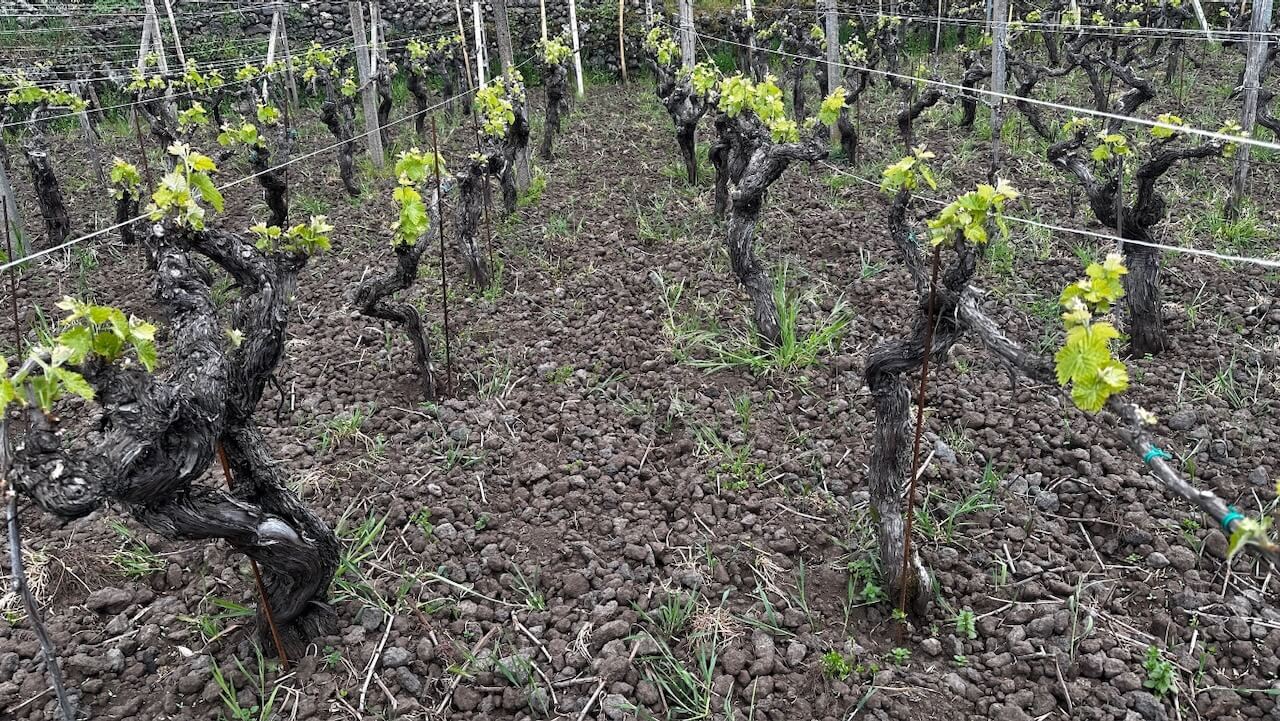
Open the installable Vino Viola mobile app from an iPhone home screen or report through a guided WhatsApp conversation. Assignments, observations, time, photos, voice notes, materials, issues, harvest, and cellar readings enter one review-first workflow.
Workforce, payroll, and accountability
Give workers a fast entry path and managers a complete, approval-controlled view of time, output, extras, expenses, safety, payroll, and performance.
Profiles, roles, crews, assignments, availability, access, contractors, and employment or rate settings.
Clock or manual time, breaks, regular and overtime hours, work type, block, output, piecework, notes, and corrections.
Pay periods, rates, approvals, advances, extras, reimbursable expenses, receipts, payment status, and protected history.
Analyze by person, crew, block, activity, variety, lot, cost center, harvest, period, and season—including cost per hectare, kilogram, or lot when available.
People and devices see only what they need
Separate the user's authority from the device's purpose. Shared screens stay useful without becoming a doorway into private records.
Owner, administrator, operations manager, agronomist, winemaker, cellar, hospitality, cashier, finance/payroll, field worker, contractor, and read-only viewer—with configurable combinations.
Personal phone, managed field tablet, shared crew kiosk, cashier/register, workstation, TV display, and enrolled cellar or tank display.
Finance, payroll, administration, approvals, guest data, and system controls remain outside field, display, kiosk, and public views unless explicitly granted.
Operations in view
Turn current work, conditions, readiness, and exceptions into distance-readable TV views and touch dashboards. Each location receives the right playlist without exposing private data.
Digital tank labels
Replace paper cards and disconnected readings with a managed, enrolled Android display. Labels stay tied to the vessel while authorized users can reassign the current lot without reprovisioning the device.
Estate Red · 2026 · 2,480 L
Operator-agnostic by design
Configure Vino Viola around the way your organization actually works. No required hardware brand, fixed estate map, or borrowed terminology.
Estates, sites, blocks, varieties, vessels, locations, teams, and vintage calendars.
Roles, access levels, approval paths, labor categories, review queues, and privacy boundaries.
Work types, cellar stages, analytes, inventory categories, units, schedules, and notification rules.
Labels and terminology that make sense to your team, with interfaces designed for multilingual use.
Software is the platform. Service makes it operational.
Choose a complete Vino Viola hardware package, bring compatible equipment you already own, or combine both. We cover most standards-based, network-accessible devices after a compatibility review.
Map the operation, priorities, roles, records, site readiness, and existing equipment.
Provide or connect hardware; shape modules, terminology, permissions, data, and screens.
Install, validate workflows, migrate agreed history, train the team, and go live.
Monitor, support, maintain, and improve the complete system through each season.
Training is delivered around the screens, responsibilities, and decisions each person actually owns.
For an operator ready to replace scattered records with a shared operational foundation.
For teams that want the system actively maintained, monitored, and adapted as the operation changes.
For multi-site or complex operations needing deeper migration, intelligence, and tailored workflows.
One signal, one connected response
UC Integrated Pest Management describes a high powdery-mildew risk index of 60 or above as conditions where the pathogen can reproduce every five days. Vino Viola can turn a recognized model like this into coordinated, reviewable work.
Compatible weather or canopy data raises a high-risk finding.
Growth stage, observations, previous work, materials, and constraints are assembled.
The team sees the evidence and chooses the appropriate scouting or treatment action.
Assignment, field evidence, materials, labor, outcome, and approval remain connected.
Governed intelligence
Vino Viola supports agronomy and enology decisions with traceable context. It does not replace the professional, the current product documentation, or local law.
Combine conditions, growth stage, scouting, work history, configured thresholds, inventory, and approved practices into reviewable treatment or inspection suggestions.
Bring lot and vessel history, stage, temperature, laboratory trends, additions, transfers, sensory notes, and next checks together before a winemaking decision.
Compare suggestions with the agronomist’s and winemaker’s approved choices. Learn house methods, timing preferences, decision patterns, and observed outcomes before live recommendations are enabled.
Maintain configured vineyard products, cellar additions, processing aids, permitted uses, units, constraints, and supporting documents. Every regulated action still requires current-document and professional verification.
Bring ours. Bring yours. Connect both.
Vino Viola can arrive with the hardware needed for a complete deployment or integrate compatible equipment already in place. Integration scope is configured per operator after a technical review.
Forecasts, stations, rainfall and growing conditions
Tank, energy, water and environmental readings
Email, team messaging and attachment intake
Cameras, displays, calendars and building systems
Accounting mirrors, documents and public data feeds
Credibility lives in the record
Role-based access and controlled integration boundaries keep operational and financial information in the right hands.
Sources, attachments, approvals, changes, and reconciliation notes stay connected to the records they support.
Installation, monitoring, maintenance, and seasonal refinement turn software into a dependable working system.
Secure by design
Vino Viola applies layered security from sign-in to screen, integration, backup, and recovery. Controls are configured to the deployment and documented during installation.
Read the privacy overviewOrganizations, estates, roles, and records remain scoped to the people and services authorized to use them.
Purpose-bound Android devices and individual users receive separate permissions, with sensitive data excluded by default.
Encrypted connections, protected credentials, least-privilege integrations, and review gates reduce unnecessary exposure.
Sources, changes, approvals, system health, backups, exports, updates, and recovery procedures remain visible and controlled.
A better vintage starts with a clearer operation
Tell us how your vineyard, cellar, and team work. We'll shape a focused demonstration around your operation.
Request a tailored demo